

Menu elements are currently not available in the editor. Follow the steps outlined to create menu elements on your landing page. After choosing your desired template,Documentation Index
Fetch the complete documentation index at: https://moengage-ios-release-notes-breaking-changes-doc-1961.mintlify.app/llms.txt
Use this file to discover all available pages before exploring further.
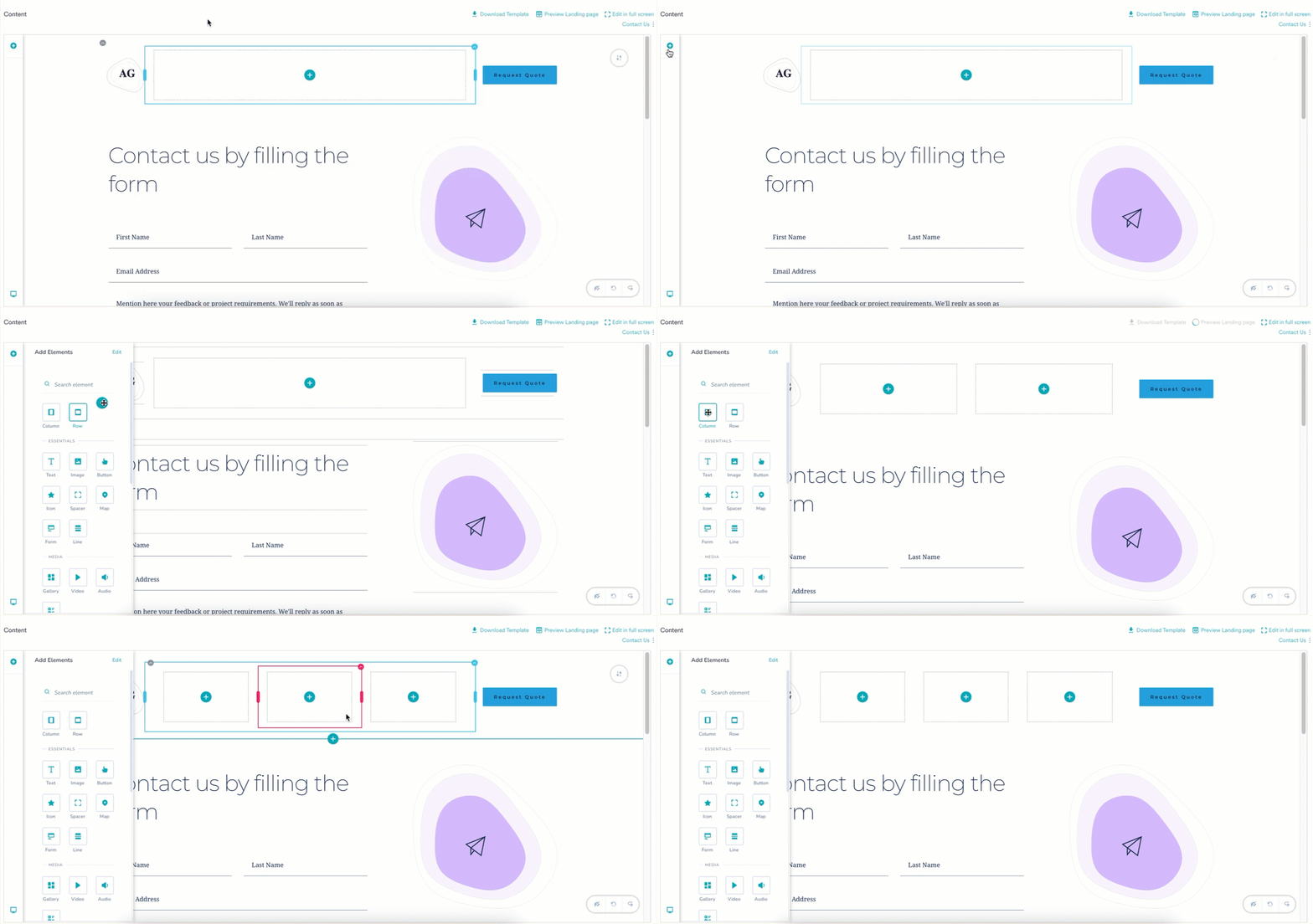
- Access the editor by clicking the + icon on the left corner of the template.
- Drag and drop the Row or Column element to the template.
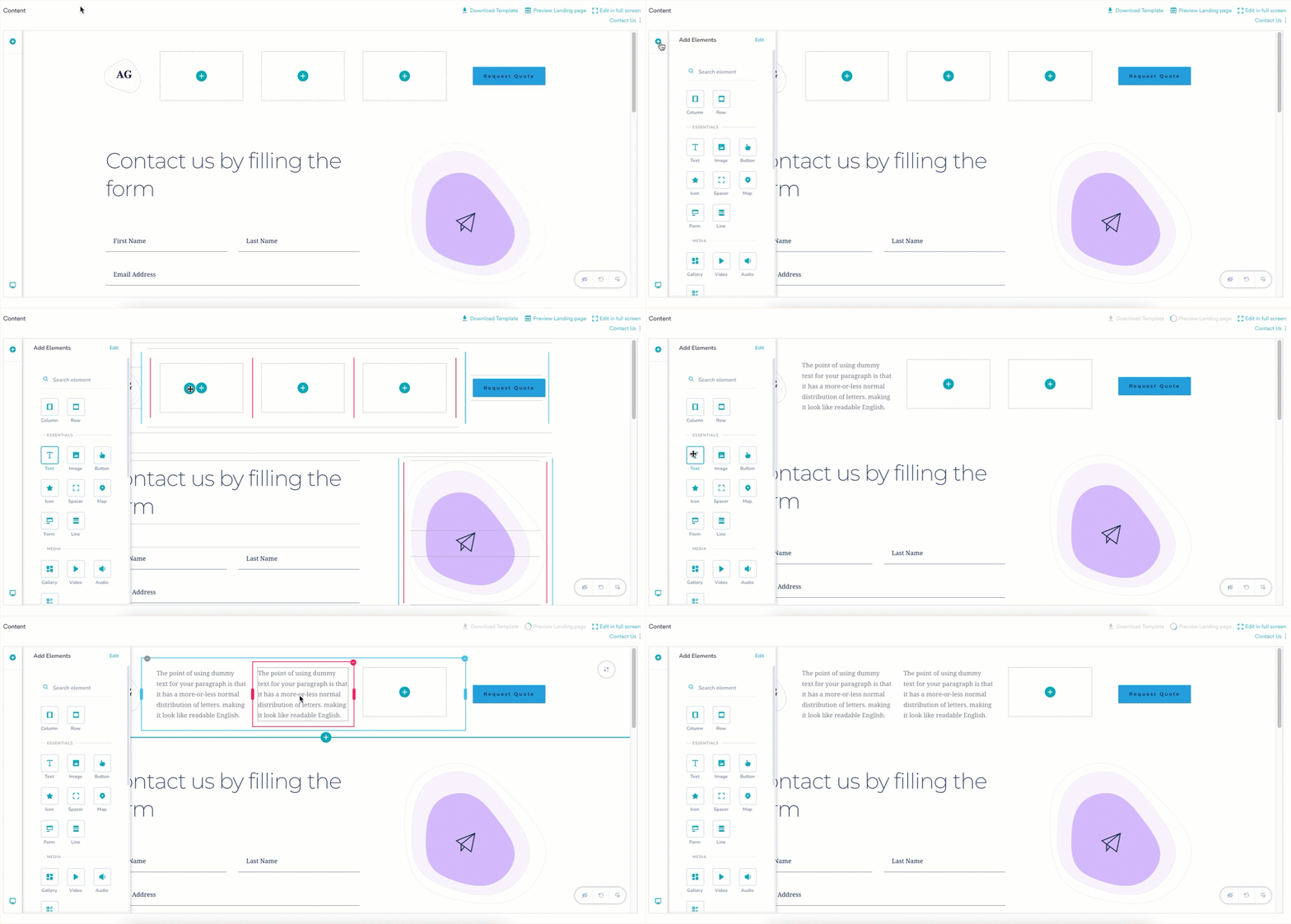
- Drag and drop the Text element inside the row or column.
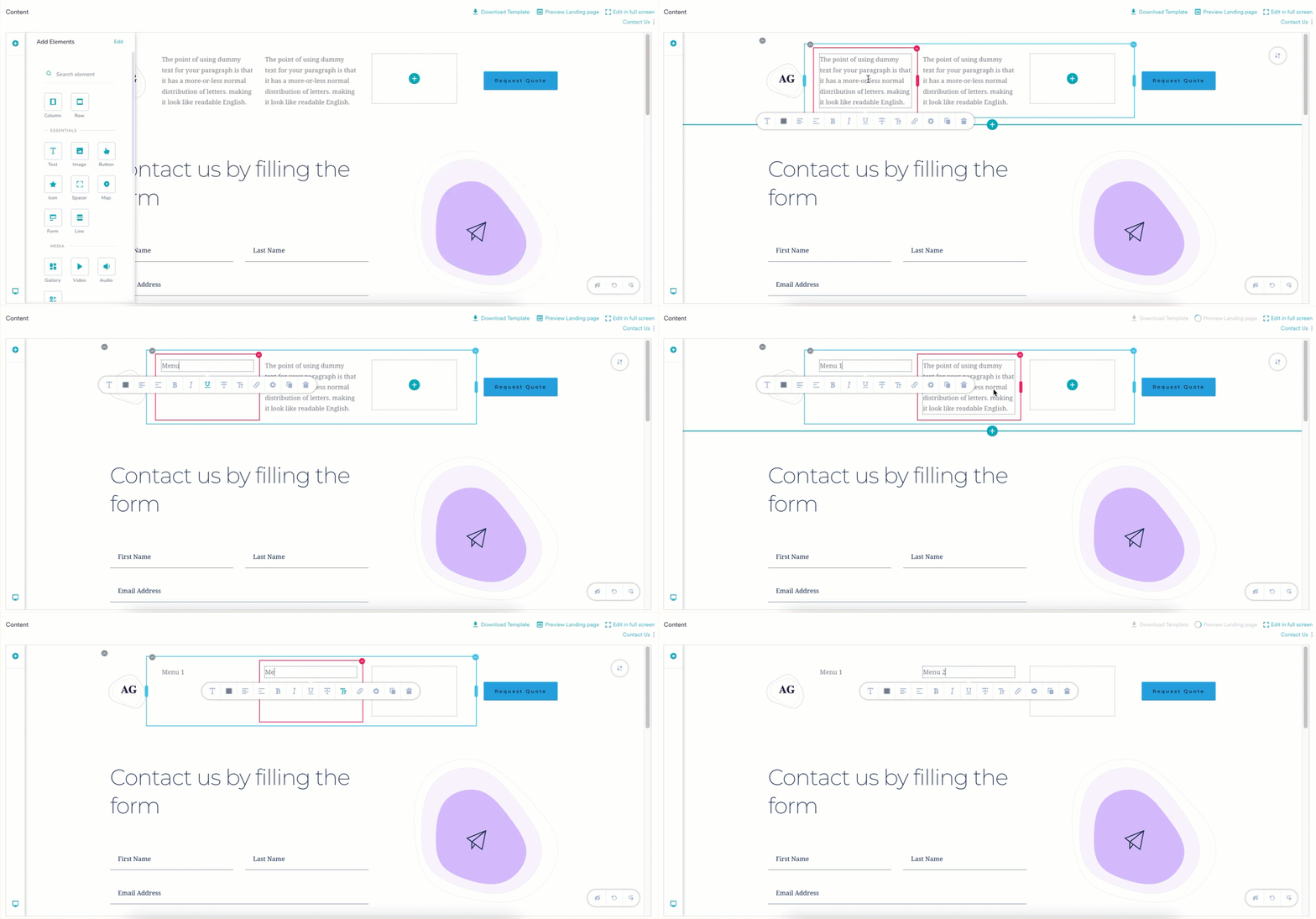
- Rename the elements with the text of your choice.
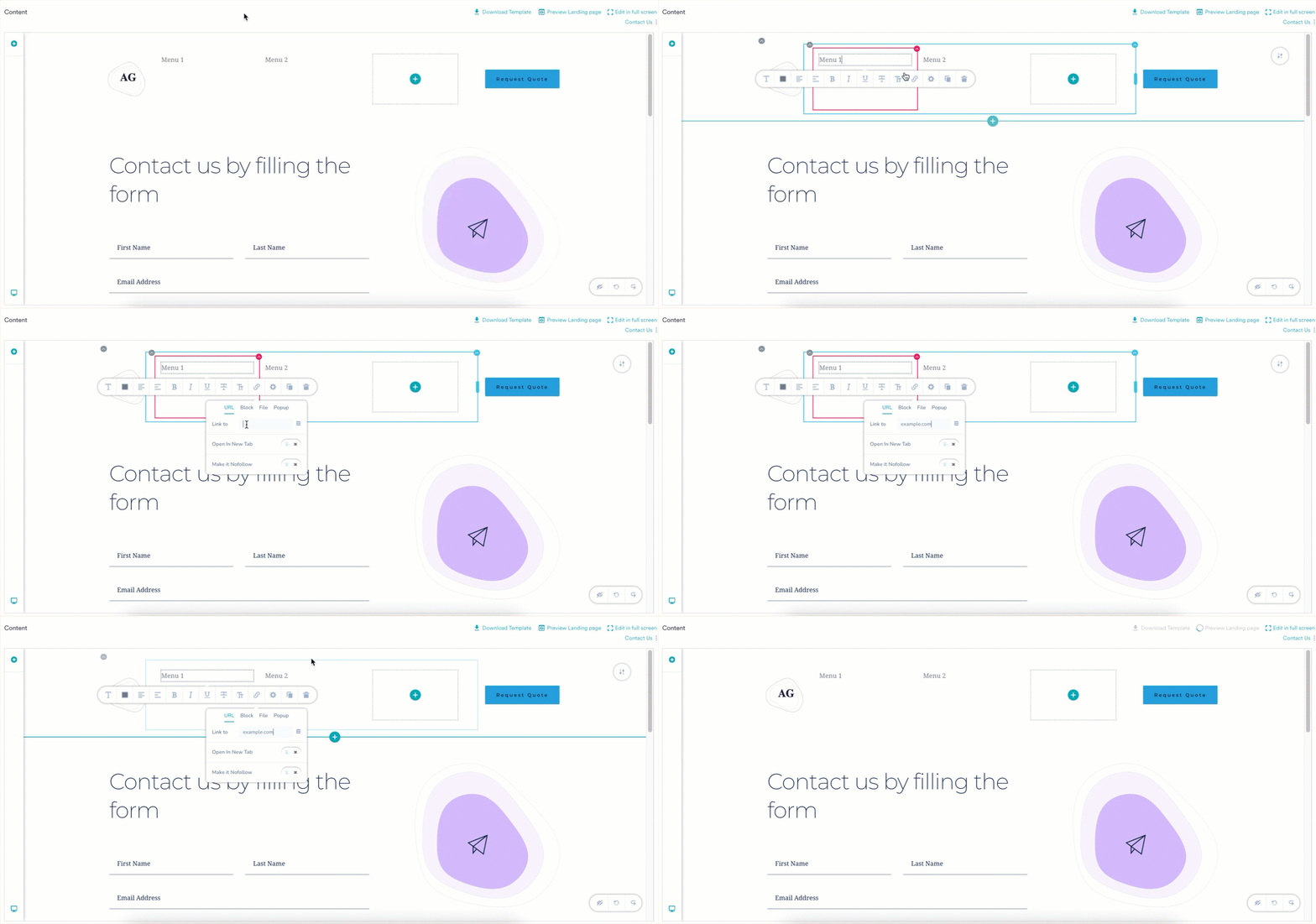
- To redirect upon clicking the menu, add a URL to the element.
- Click the text field, the toolbar opens.
- Click the link icon in the toolbar.
- In the Link to field, add the URL you want the user to be redirected to.
For more information, refer to Personalize.