

This article explains how to generate an Auth Token for the Data API using the provided script.Documentation Index
Fetch the complete documentation index at: https://moengage-ios-release-notes-breaking-changes-doc-1961.mintlify.app/llms.txt
Use this file to discover all available pages before exploring further.
Instructions
-
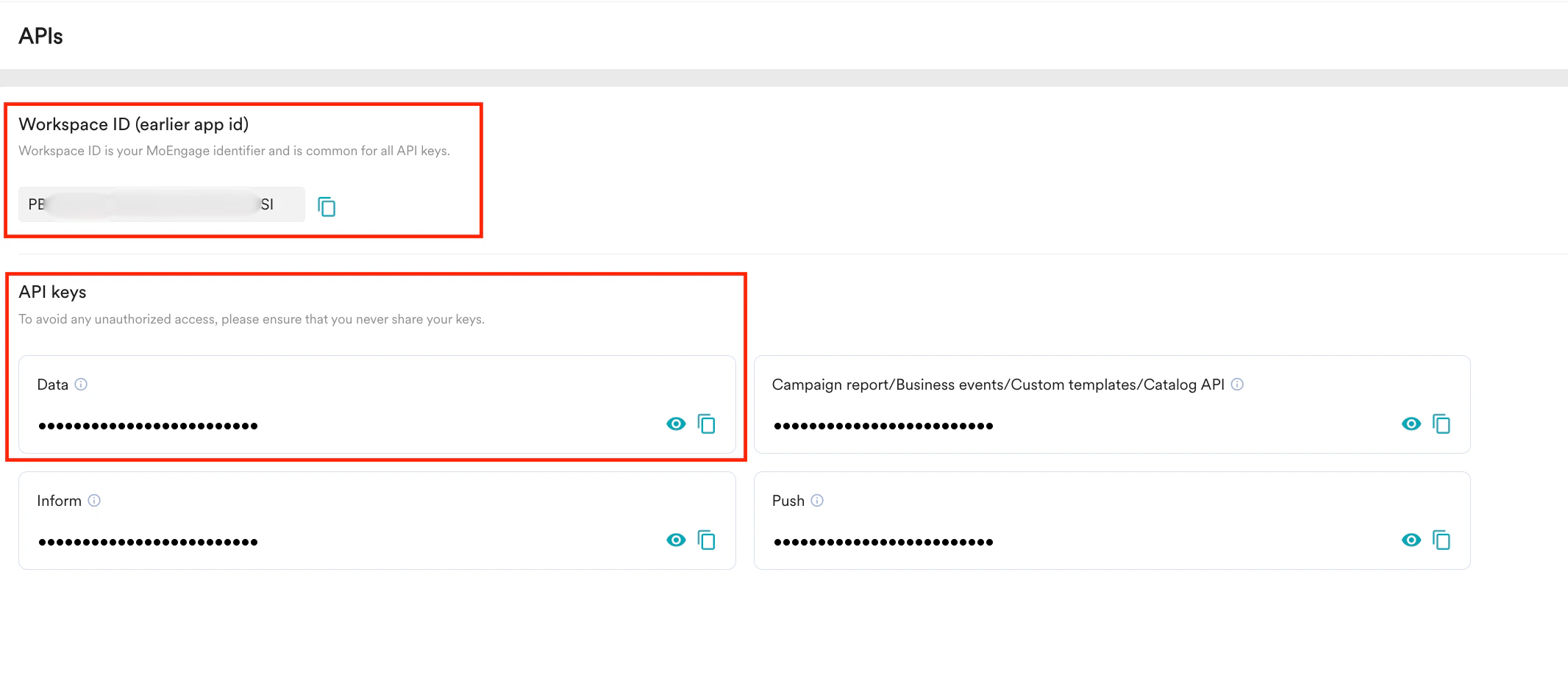
Input required:
- Workspace ID (earlier app id)
- API key To find the Workspace ID and API key, go to Settings > APIs in the MoEngage dashboard.
-
Generate the Auth Token:
Use the following script to generate the Auth Token for the specified app:
Once executed, the Auth Token will be generated and automatically copied to the clipboard.