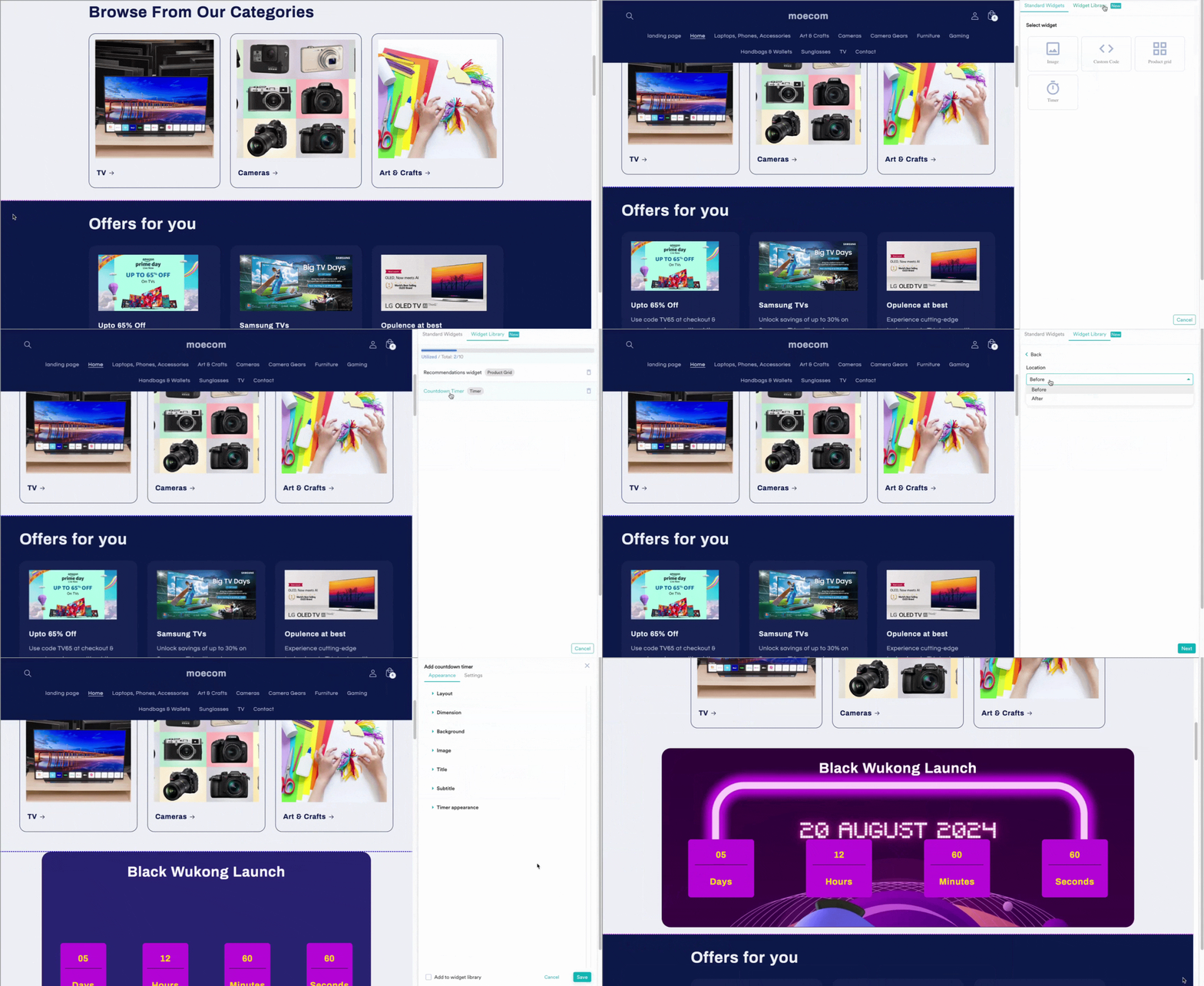
Widget library allows you to save customized widgets to reuse.Documentation Index
Fetch the complete documentation index at: https://moengage-ios-release-notes-breaking-changes-doc-1961.mintlify.app/llms.txt
Use this file to discover all available pages before exploring further.
Add widget to library
- Right click on an element
- Select + Add Widget
- choose product grid

- To add any widget that is already a part of an experience, you simply have to edit the experience, select the widget and choose Add to widget library.
Reusing saved widgets from the library
Once a widget is part of the library, you can reuse it in any of the experiences that you have created.